Tuesday, 9 August 2016

Staggered Grid Layout with RecyclerView Android

android-N.jpg

This blog is about how to create StaggeredGridLayout with Recyclerview in Android.

Recyclerview is advanced version of ListView/GridView.

Here we start how to Create StaggeredGridLayout with Recyclerview.

1. Create Project.

2. Create Activity.

3. Open Gradle file and add support of RecyclerView.

Read more about Staggered Grid Layout with RecyclerView Android visit Findnerd.

Monday, 25 July 2016

TTS(Text to Speech) in Android


TTS define Text To speech. Android provides TextToSpeech functionality from API level 4.

TextToSpeech  is in package android.speech.tts.

Here is how to work with text to speech functionality in android.

  • Create a Project.

  • Create an Activity like I created MainActivity.java.

  • Implement interface TextToSpeech.OnInitListener

Read more about TTS(Text to Speech) in Android visit Findnerd.

Sunday, 17 July 2016

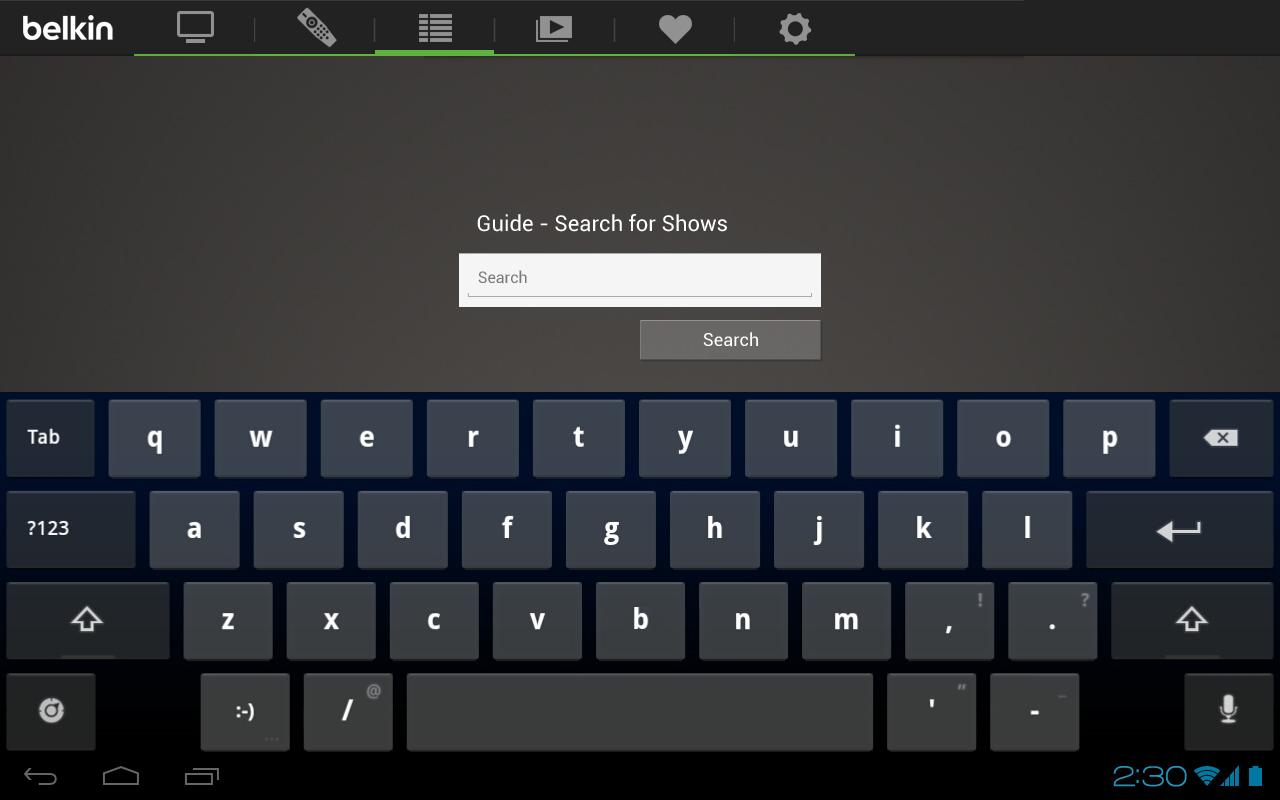
8 Easy Steps to create Custm Keyboard in Android

screen-5.jpeg

This is very important tutorial through which, we will learn how to create a custom keyboard without using third party library in the android application. This tutorial fully customizes device keyboard. We will go step by step to learn this process.

Custom keyboard process provides full customization of your device keyboard. Through this tutorial, you can set device keyboard wallpaper, change keyboard themes, change keyboard key background color etc.

  • Create two directory colors.xml and strings.xml inside res/values/colors.xml

  • Create a parent directory resource xml under res/xml and put following two more child directory resource method.xml and qwerty.xml.

Read more about 8 Easy Steps to create Custm Keyboard in Android visit Findnerd.

Tuesday, 14 June 2016

Create CollapsingToolbarLayout with using Recyclerview


android-robot.jpg

In the below example layout I have created CollapsingToolbarLayout with using Recyclerview. Here first I have created CoordinatorLayout created all layout in CoordinatorLayout. Now I have added AppBarLayout, CollapsingToolbarLayout, ImageView, Toolbar, RecyclerView and FloatingActionButton. You can see below program it will clearly describe how to create CollapsingToolbarLayout with using Recyclerview.
  1. <android.support.design.widget.CoordinatorLayout xmlns:android="http://schemas.android.com/apk/res/android"
  2.   xmlns:app="http://schemas.android.com/apk/res-auto"
  3.   android:layout_width="match_parent"
  4.   android:layout_height="match_parent"
  5.   android:fitsSystemWindows="true">
  6.   <android.support.design.widget.AppBarLayout
  7.       android:id="@+id/app_bar_layout"
  8.       android:layout_width="match_parent"
  9.       android:layout_height="wrap_content"
  10.       android:fitsSystemWindows="true"
  11.       android:theme="@style/ThemeOverlay.AppCompat.Dark.ActionBar">


Explore Findnerd to read such more blogs of Android, iOS, Java,PHP etc.

Monday, 13 June 2016

How to create Registration form in android ?


android.jpg

Here I have created a registration form in android. In my registration form i have used validation function to check inputs like email ,name,age etc. And I have also used check box , radio button and spinner function. Therefor below example will clearly described you to make Registration form.
Step(1)- create main.xml layout file. For (Inputs data)
  1. <RelativeLayout xmlns:android="http://schemas.android.com/apk/res/android"
  2.   xmlns:tools="http://schemas.android.com/tools"
  3.   android:layout_width="match_parent"
  4.   android:layout_height="match_parent" android:paddingLeft="@dimen/activity_horizontal_margin"
  5.   android:paddingRight="@dimen/activity_horizontal_margin"
View the full code about How to create Registration form in android ? at findnerd.
Want to read such more blogs about Android, Click here>>

Wednesday, 18 May 2016

Pagination in Android Recyclerview


android.jpg

Step 1- Defined here  some necessary variable  
  1.  boolean isLoading=false;    -> this variable will use to show progressbar below to recyclerview in your xml file  when you scroll your recyclerview list .

  2. int mPageSize=10;  -> Number of items you want to fetch from server in a once.

  3.    
Step-2 Set addOnScrollListener to recyclerview

  1. int mTotalItemsCount -> Total item on server side.

  2. recyclerView.addOnScrollListener(new RecyclerView.OnScrollListener() {
  3.           @Override

Explore the full Blog about Pagination in android recyclerview at Findnerd.